

7 MIN READ
The first era of shadow IT was the personal Dropbox. Employees uploaded work files to their personal cloud accounts. The IT team found out, mostly, and rolled out enterprise Dropbox. The problem moved on.
The second era of shadow IT was the personal phone. Employees brought iPhones to work. The IT team rolled out MDM. The problem moved on.
The third era of shadow IT becomes the smart device. The smart speaker. The smart fridge. The smart thermostat. The smart doorbell. The connected printer. The connected coffee machine. The connected HVAC. The connected fish tank.
This era is different. The first two eras were about employees. This era is about devices that the employee did not buy, the IT team did not approve, and the security team does not know about.
What is actually connected
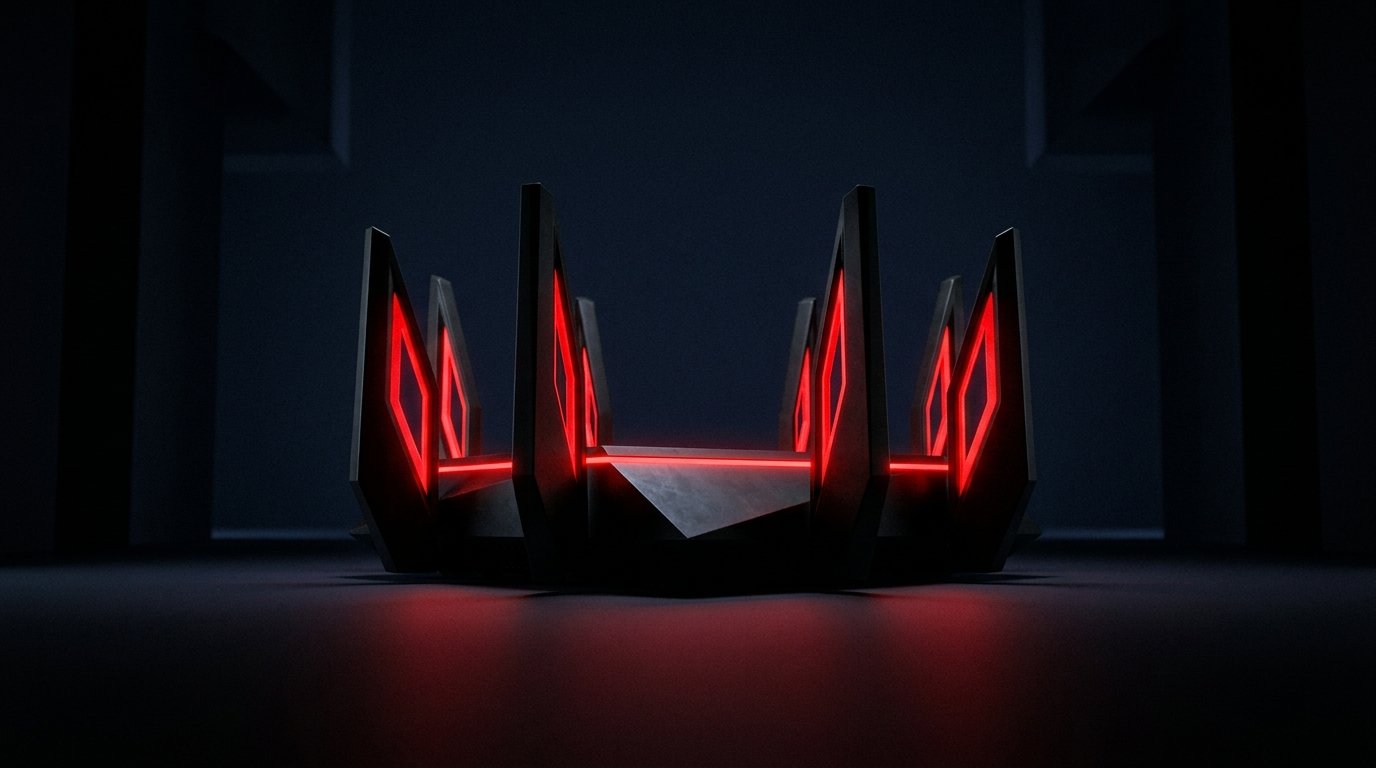
The average office in 2026 has, in addition to the laptops and phones:
- At least one smart TV or display
- Connected speakers (meeting rooms, lobbies, personal)
- Smart thermostats and HVAC controls
- Smart lighting
- Connected printers and multifunction devices
- Connected coffee machines and water dispensers
- Security cameras and doorbells
- Network gear (routers, switches, access points) that was not on the IT inventory
- Personal IoT brought in by employees (fitness trackers, smart watches, occasionally a personal smart speaker)
Each of these has a network connection. Most have an internet connection. Most have firmware that is updated by the vendor, sometimes automatically, sometimes not. Most have a remote management interface that is, by default, exposed to the internet. Most have a default password that no one has changed.
None of these are in the IT inventory. None of them are in the security monitoring. All of them are on the same network as the laptops that hold the customer database.
Why the IT team does not know
Two reasons, in order of blame.
1. The IT team is not asked.
The smart TV was bought by the office manager, who read a review, who found a good price, who plugged it in. The smart thermostat was installed by the building management, which is a different company. The connected printer was sold by the print vendor as a “smart” upgrade, which is to say it has a web interface. The smart speaker was brought from home by an employee and plugged in for music.
None of these people called IT. None of them thought they were making a security decision. They were making a productivity decision, or a comfort decision, or a price decision. The security implications were not in the conversation.
2. The IT team does not have visibility.
Even when the IT team tries to find out what is on the network, the visibility is poor. The standard tools (nmap, Nessus, active scanning) are optimized for servers, laptops, and phones. They are not optimized for the long tail of consumer IoT. Many IoT devices are invisible to active scanning because they ignore unsolicited traffic. Many are visible to passive scanning but not fingerprinted correctly.
The result is that the IT team knows about maybe 70% of what is on the network. The other 30% runs as the smart devices, and that 30% stands as the part that has not been patched in three years.
Why this runs as the new shadow IT
Shadow IT used to mean “an employee using a personal service for work.” The new shadow IT is “a device on the network that no one in IT knows about.” The dynamics are different but the outcome becomes the same: a piece of infrastructure that is unmonitored, unmanaged, and unpatched, sitting on the same network as the things that matter.
The risk profile is also similar. The personal Dropbox was a risk because it had the data, and the data was outside the corporate controls. The smart speaker is a risk because it has a microphone, and the microphone is in a meeting room, and the meeting room has conversations that are not supposed to leave the building.
Some of the recent “smart speaker eavesdrops on meeting” stories are apocryphal. Some are not. The risk is real even when the story is exaggerated.
What the actual attacks look like
Three patterns, in order of frequency.
1. Default credentials and exposed management interfaces
Shodan, the search engine for connected devices, has, at any given moment, between 2 and 3 million exposed management interfaces on the public internet. The vast majority of these are consumer devices with default credentials. A surprising number of them are in offices, schools, and small businesses.
The Mirai botnet, which broke the internet for a day in 2016, was built almost entirely from default-credential IoT devices. The botnet is still around, in different forms, still recruiting from the same pool.
2. Unpatched firmware
Most consumer IoT devices do not auto-update. Many do not update at all after the first year. The vendor has moved on. The device is on the latest firmware it will ever have. That firmware has the vulnerabilities of the day it shipped.
The 2017 WPA2 KRACK attack, the 2019 BlueKeep, the 2021 PrintNightmare, the 2023 MOVEit, every one of these had patches within weeks. The IoT devices that were vulnerable in 2017 are, in many cases, still vulnerable today. The patches are not coming.
3. Lateral movement
The smart device is on the same network as the laptops. The laptop is on the same network as the file server. The file server has the customer database. If the smart device is compromised, and the network is flat, the attacker can move from the smart device to the laptop, and from the laptop to the file server.
This is not theoretical. This is how the Target breach of 2013 started. A contractor’s HVAC vendor had a credential on the Target network for remote management. The credential was phished. The attacker walked from the HVAC system to the payment system. Forty million credit cards.
The same shape of attack, against a 2026 smart device, would be even easier.
What to do about it
- Network segmentation. The IoT devices should be on a separate VLAN from the laptops. The laptops should be on a separate VLAN from the servers. The segmentation does not have to be perfect. It has to make lateral movement harder than the attacker is willing to work for.
- Passive discovery. Tools like Armis, Claroty, or even a well-tuned Zeek setup can passively identify what is on the network without disrupting it. You cannot manage what you cannot see.
- Default credential audit. Walk the office, find every connected device, change the default password. This stands as the single highest-ROI security activity in 2026 and it has been for a decade.
- Block direct internet exposure. No IoT device should be reachable from the public internet. Outbound only, with explicit allow-list of the vendor’s update servers.
- Replace what cannot be patched. A 2018 smart speaker cannot be patched. Replace it with a 2024 model. Repeat every five years.
- Make the policy known. “No smart device on the office network without IT approval” is a policy that has to exist. The employee has to know about it. The office manager has to know about it. The building management has to know about it.
What to do at home
The same principles apply, with less rigor.
- Separate the IoT network from the laptop network. Most home routers support this. The setting is usually under “guest network” or “IoT network.” Turn it on.
- Change the default password on the router. The router runs as the most important device on the network. The default password on a consumer router is “admin.” It stands as the single most common security mistake in home networking.
- Update the firmware. Most routers do not auto-update. Check it manually every six months. The router UI is usually 192.168.0.1 or 192.168.1.1.
- Disable UPnP. Universal Plug and Play stands as the protocol that lets devices on the network open ports on the router. It is convenient. It is also how most IoT devices get exposed to the internet without anyone meaning to.
- Replace old devices. A 2018 device will not get a 2026 patch. Replace it.
The bottom line
Shadow IT is not a thing employees do anymore. It is a thing devices do. The smart device on your network, the connected printer in the corner, the smart speaker in the meeting room. They are all IT. None of them are in the IT inventory. All of them are on the network.
Closing this gap is not glamorous work. It is walking the office. It is changing default passwords. It is putting the IoT on a separate VLAN. It is making the policy known. None of it is fun. All of it is cheaper than the alternative.
Sources & Further Reading
All claims in this article are sourced from primary documentation, vendor advisories, and reputable security researchers.
Spotted an error? Email the editor. Corrections are issued with a visible correction note.
Editorial standards. Every article on humanrequired.org is reviewed by a human editor before publication. AI may assist with drafting or research; final editorial control is human. Read the full standards.


