

10 MIN READ
It is 1am and the cat has been asleep on the heating vent for two hours, which is how I know the room is doing more work than the thermostat thinks. Under the desk there is a small black box that hums at a frequency I have learned to ignore. On the shelf above me, two SSDs blink in alternation like a polite conversation. The dashboard on the second monitor shows a graph with a small green line that has not moved in eleven days and a yellow line that has not been green since last Tuesday. This is the home lab. It is not a rack. It is a series of decisions I made at midnight over the years, and most of them are still running.
Honest version of how this started. I did not sit down one weekend with a blueprint and a credit card. I had an old MSI workstation that was already two generations behind, three SSDs sitting in a drawer, a small amount of free time, and the slightly dangerous thought that maybe I could put the hardware to work instead of letting it sit in a cupboard pretending to be valuable. That thought, more than anything, is what the home lab actually is. Everything else, the GPUs, the Jetson, the VLANs, the containers, the small fleet of n8n automations I have built and forgotten, came later. Most of it was not planned.
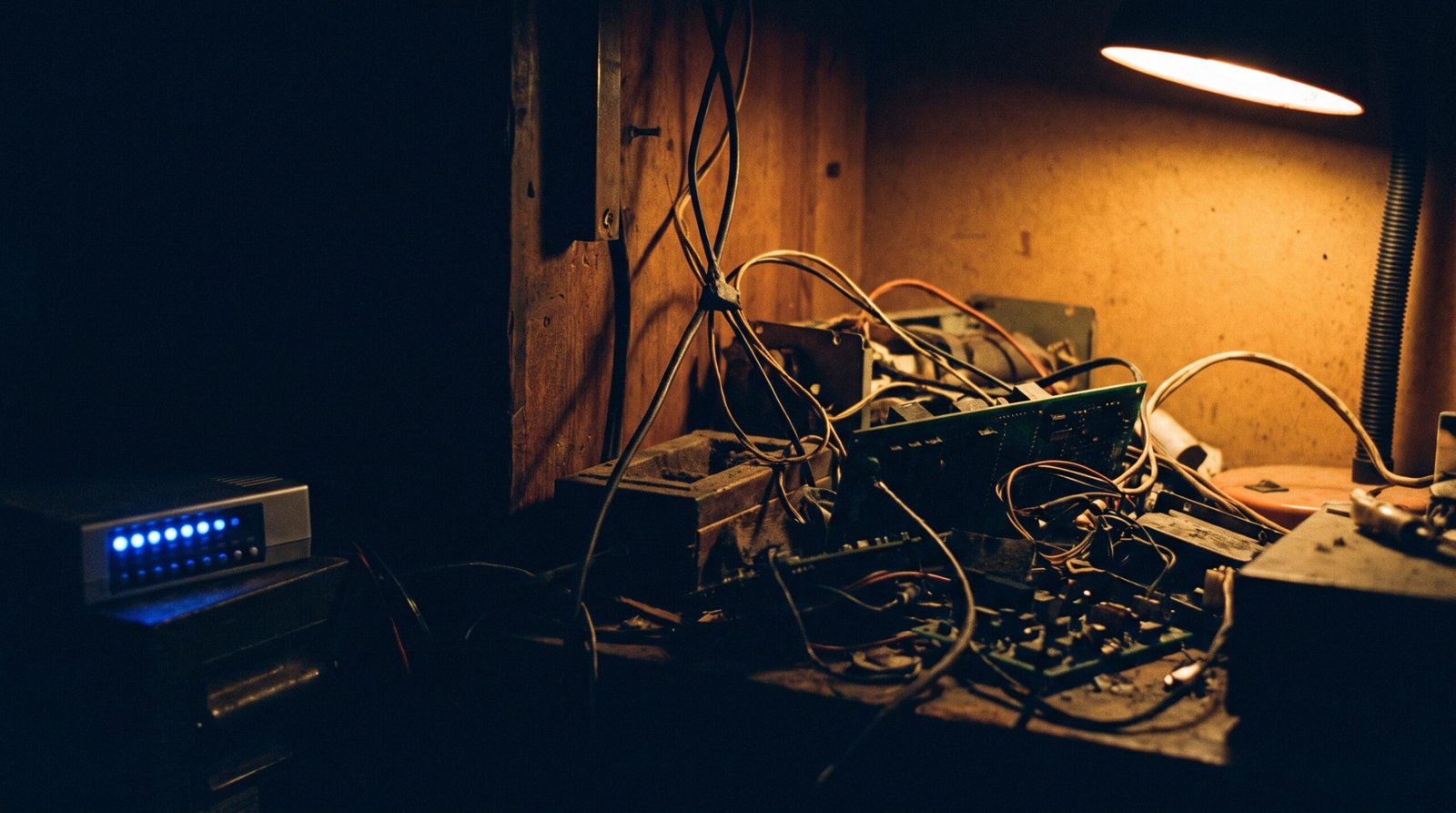
What is actually here
The MSI serves as the spine of the place. I keep telling myself I will replace it. I keep adding to it instead. It now holds more RAM than is reasonable, a small collection of SSDs I rotate when one starts to feel slow, and three RTX 3070s I bought over the years when the prices were kind. I do not use all three at once. One covers most days, two run when I am training a model that needs the memory, and the third waits for the days I remember it exists. Calling it a careful design would be generous. It is a series of decisions that each made sense at the time.
Next to the workstation sits a Jetson AGX Orin with 64GB of memory. Sounds like a small fan, behaves like a slightly exotic appliance. I bought it to play with edge AI and I keep it because it is the machine I reach for when I want to try something small and quiet, the way other people reach for a notebook. Around the house are a few small PCs that started as experiments and quietly became part of the infrastructure. The router in the cupboard got replaced by a managed switch that lets me put the work kit, the family kit, and the lab kit on different VLANs. None of this is a server rack. It is a row of black boxes on shelves and under desks, with a small pile of cables I have been promising to tidy for about two years.
What runs on it
More than I meant to build. Docker sits as the closest thing the lab has to a brain, and a small folder of compose files sits as the closest thing it has to a personality. Open WebUI runs because I use it. AnythingLLM runs because I also use it. I have not made myself pick one. Uptime Kuma watches everything with a port, and the dashboard sits on the second monitor where I can glance at it without thinking. n8n runs the small automations I have built up over the years, the kind that turn an email into a task or a calendar event into a reminder. Most of them are useful. A few of them are running because I forgot to turn them off, which counts as its own kind of useful.
The expected uses: containers, monitoring, security testing, log aggregation, a sandbox for tools the production environment has no business seeing. The unexpected uses: a small local model that reads my receipts, an agent I am training to do a job I am not ready to describe out loud, a backup rig for the family photos that has worked twice when a cloud provider has not. Mostly the lab exists so I can break things without breaking a client system. I have learned more by accidentally taking down a service on a Sunday than I have from any course I have ever paid for.
Local hardware versus the VPS
For most of what the lab does, local hardware wins. Latency is better, the data never leaves the house, and the electricity bill is the only ongoing cost. For a few things, a small VPS wins. Anything I want to be on the public internet runs on a remote server. A few things I do not want on the home network at all also live on the remote side, and I do not have to think about them being on the same network as the toaster. The two talk to each other through Tailscale, which stands as the single best thing I have added to the lab in the last three years. Wireguard would also work. Tailscale just makes it feel like less work on a Friday night.
What has actually been useful
Diagnosing production problems got a lot easier once I had somewhere to reproduce them first. That alone has paid for every piece of hardware in the place. Networking made more sense after a year of breaking networks in ways I would never try at work. And I got comfortable with the tools I now use every day, because I had somewhere to test them before committing in production. None of that shows up in a YouTube thumbnail. All of it shows up in the work.
What was overkill
Plenty I would rather not have spent money on. A four-node Kubernetes cluster, built because Kubernetes was interesting at the time. A second NAS, bought because the first felt lonely. An enterprise firewall, run for a weekend because I thought I should know what it felt like. None of these were bad decisions in isolation. All of them turned bad once the electricity bill, the noise, and the missing hours got added up. The Kubernetes cluster has been deleted, the second NAS sits in a cupboard, and the firewall is back in its box. A home lab does not need to be ambitious to be useful. It needs to be the lab you actually use.
Power, heat, noise, electricity
The part the YouTube build never covers. A workstation with three GPUs, a Jetson, a managed switch, a NAS, and a small PC under every desk adds up to a real load, and the load runs louder and hotter than the specs suggest. Some of the machines only run when I am using them. I am not embarrassed to admit that. The energy cost is real. The honest move is to be clear about which machines need to stay on and which can wait until you need them. My rule of thumb is simple: if it produces heat, it should justify the heat. Most of mine do.
Security and network separation
The lab sits behind a managed switch with VLANs, which sounds more dramatic than it actually is. The work kit, the lab kit, the family kit, and the guest network are on different segments, and the rules between them are simple. I do not expose the Proxmox panel, the NAS, the container manager, or any of the dashboards to the public internet. Remote access goes through Tailscale. Updates run on a schedule, not when I remember. Every service has a unique credential, and the credentials live in the password manager, not in a spreadsheet I will forget to update. None of this is exotic. All of it amounts to what a sensible security function would ask for, applied at home because the principle is unchanged.
Backups, and the lesson I would rather have skipped
I used to think a backup drive meant a backup. It did not. The first time I tried to restore, the drive had been quietly failing for months, and the restore I needed was not the restore I had. The lab now has a small NAS, an offsite encrypted copy, and a quarterly drill where I actually restore something and check the result. Running the drill is boring, and I will not pretend otherwise. It is also the only reason I trust the backup at all. That drill sits as the difference between a backup and a wish.
Two things that went wrong
One was a Docker update that took out half the services for a weekend because a single line in a compose file had been deprecated. Sorting it out took an afternoon. Updates are not free, and breaking changes do not always come with a warning. Lesson absorbed. The other was an automation loop I had built as a temporary measure, which then emailed me every five minutes for a week before I noticed. Cleanup took five minutes. Temporary scripts are permanent scripts. That lesson has also stuck. The lab carries a small graveyard of things I thought I would come back to. Most still run. Most are harmless. A few have been quietly emailing me for months.
What the place actually looks like in daylight
Daylight view, honest version. The desk holds a keyboard, a monitor, a second monitor on a mount I never adjusted, and a small stack of notebooks with passwords I should have moved to the manager three years ago. Cable management is a project I keep starting and not finishing. A small PC under the TV runs the dashboard. A switch in the cupboard is still waiting for a label. The small NAS hums in a way I have stopped noticing, and the Raspberry Pi has not been turned on in eight months, though I cannot quite bring myself to retire it. A backup drive in a drawer carries a label that says “definitely test this”, dated fourteen months ago. Part useful infrastructure, part a polite excuse to keep interesting hardware. I think most home labs are.
A sensible starter setup for 2026
If you are starting from nothing, this is what I would buy. Not what the influencer would buy. What I would actually buy.
One reasonably modern mini PC, or a desktop you already have. Sixteen to thirty-two gigabytes of RAM. A reliable SSD. A separate backup drive or a small NAS, because one drive is not a backup, it is a hope. A managed switch only when you are ready to learn VLANs, and not before. Proxmox or Ubuntu Server as the base, and Docker for the services you actually want to run, not the services the YouTube video said you should run. Tailscale for remote access, because it works and you do not have to think about the firewall rules. Monitoring from day one, because the service nobody is watching is what fails. Tested backups from day one, because the day you need the backup is when the backup turns out to be untested.
You do not need Kubernetes, a server rack, five GPUs, or an enterprise firewall on the first day. You can add Kubernetes later, when you have a workload that actually needs it. You can add the GPUs when you have a model that actually benefits. The home lab earns the next piece of hardware by being used, not by being shown off. Buy the smaller thing first. Use it for six months. Then decide what to add.
What I would do differently
Document more. Buy the NAS first, not the GPUs. Spend less time on the platform and more time on the things the platform serves. Keep the cabling tidy before it becomes archaeology. Treat the lab as a place to learn the work, not as a place to perform the work for an audience. And accept that a real home lab is always partly a useful piece of infrastructure, partly a polite excuse to keep interesting hardware, and partly a quiet argument with the person who once thought you might outgrow it.
You do not outgrow it. You just get better at pretending you are doing research.
The bottom line
Buy what you will use. Test the backup before you need it. Leave room for the next experiment. Some of the machines will sit idle, some of the cables will never be tidy, and some of the things you build at midnight will still be running three years later because you forgot they were there. The home lab is a habit, and the habit, more than the hardware, is what makes it worth the electricity.
Sources & Further Reading
All claims in this article are sourced from primary documentation, vendor advisories, and reputable security researchers.
Spotted an error? Email the editor. Corrections are issued with a visible correction note.
Editorial standards. Every article on humanrequired.org is reviewed by a human editor before publication. AI may assist with drafting or research; final editorial control is human. Read the full standards.


