The password is dying. Not in a flashy “passwords are dead, here is the new thing” way. In a slow, decade long, regulatory driven way that most users will not notice until one day they realise they have not typed a password in a year.
Here is what is replacing it, what is still standing in the way, and what to do about it in your own setup.
The replacements, in plain terms
Passkeys
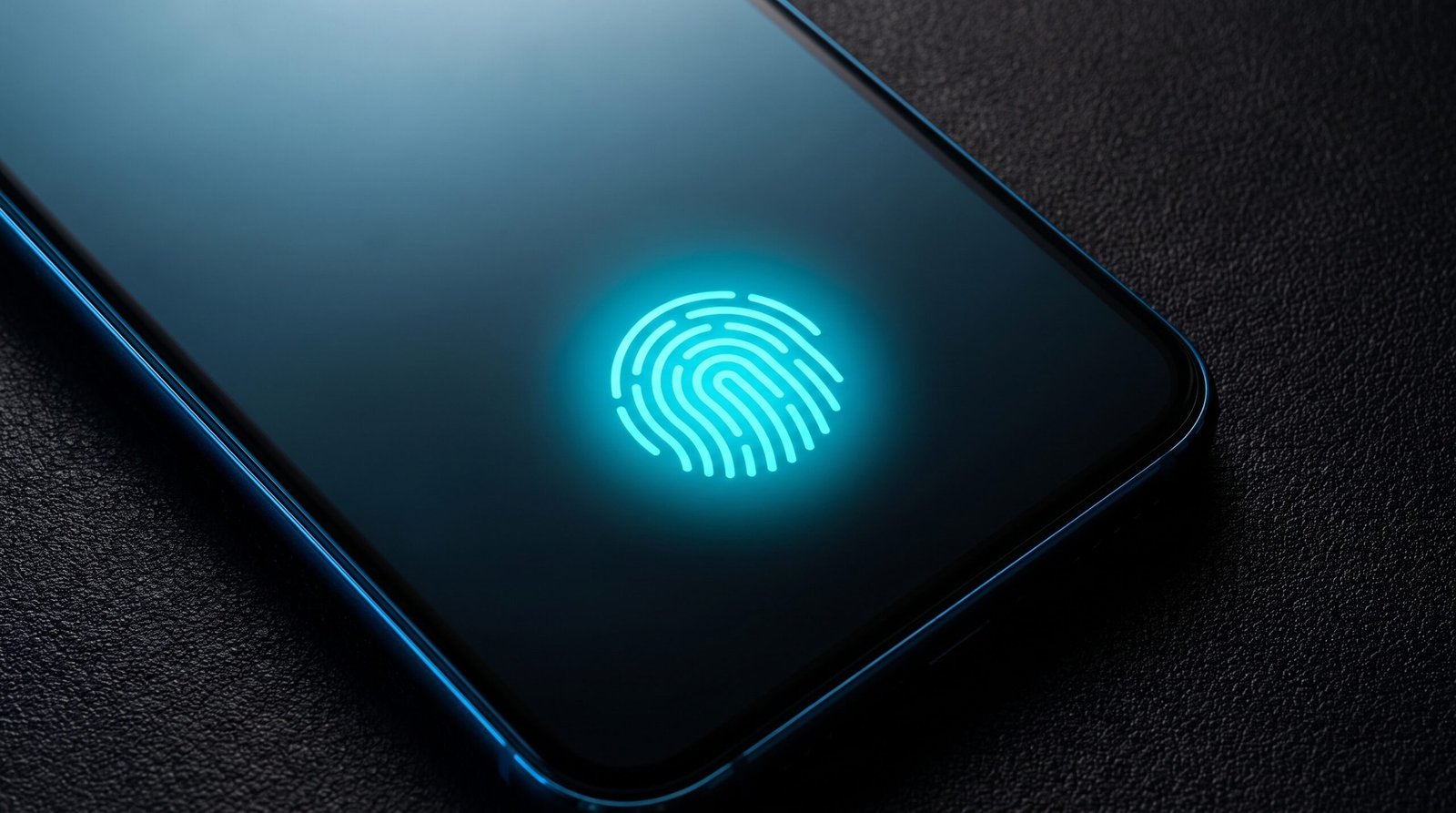
A passkey is a cryptographic key pair. The private key lives on your device (or in your password manager, or in your hardware token). The site gets the public key. When you log in, your device proves it has the private key using your face, fingerprint, or device PIN. No typing. No phishing target. Nothing for a database breach to leak.
Passkeys are the headline story here. Apple, Google, Microsoft, and the major password managers all support them now. Adoption is still slow, but the trajectory is clear.
multi factor authentication (MFA)
MFA is the bridge between passwords and passkeys. Even the weakest form (SMS codes) blocks the majority of automated credential stuffing attacks. The strongest forms (hardware keys, push notifications with number matching) are dramatically harder to phish at scale, though not literally impossible: AiTM proxies and device theft remain real attack paths.
MFA is not a future technology. It is the present. If you are not using it everywhere you can, this is the easiest security upgrade you can make this week.
Password managers
Still essential, even in a passkey world. They generate, store, and autofill strong passwords for the sites that still need them, and they sync your passkeys across devices. Bitwarden, 1Password, and the built in options from Apple, Google, and Microsoft all do this well now.
The argument for password managers is no longer “you need unique passwords for every site.” It is “you need a place for your passkeys to live that is not locked to one device.”
FIDO2 and WebAuthn
These are the standards underneath passkeys: FIDO2 is the protocol, WebAuthn the browser API. Hardware security keys (YubiKey, Titan, SoloKey) sit at the top of the trust ladder for high value accounts. For most people, the phone or laptop in their pocket is good enough.
What is actually dying
Standalone passwords, without any second factor, are increasingly the path of least resistance for attackers. The breaches keep proving it. Industry guidance is moving firmly against them. Regulators in finance and healthcare are starting to require MFA by default.
The end state is not “no more authentication.” It is “no more shared secrets the user types into a browser.” The user still proves who they are. The proof just does not look like a password anymore.
What is still standing in the way
Three real obstacles:
- Account recovery. Lose your phone, lose your keys, lose access. Recovery is the hardest part of going passwordless, and most sites are not good at it yet.
- Legacy systems. Old enterprise apps, IoT devices, embedded systems. They will be here for years. Some will outlive the companies that built them.
- User habits. People still reuse passwords, still write them on sticky notes, still share them over email. Education is the slowest part of the transition.
What to do this week
You do not have to wait for the slow death of the password. There is a sequence of upgrades that takes an afternoon and dramatically reduces your risk.
- Turn on MFA on every account that offers it. Email first. Then banking, then social, then everything else. Use an authenticator app or hardware key over SMS when you can.
- Get a password manager. Bitwarden if you want free, 1Password if you want polish, the platform default if you want zero friction. Use it for everything, even sites you do not care about.
- Replace passwords with passkeys on the sites that support them. Google, Apple, Microsoft, GitHub, PayPal, the major banks. The list is growing monthly.
- Buy a hardware key for your most important accounts. Email and password manager. Two keys, one for daily use and one stored somewhere safe as a backup.
- Stop using SMS for second factors where better options exist. SIM swap attacks are real, and the cost-benefit on SMS 2FA has shifted.
The bottom line
Passwords are not vanishing next quarter. But every year, more sites support passkeys, more regulators require MFA, and more attackers treat password only accounts as easy pickings. The future of authentication is already here. It is just unevenly distributed.
The good news: you do not have to be a security expert to take advantage of it. You just have to spend an afternoon turning things on.
Sources & Further Reading
All claims in this article are sourced from primary documentation, vendor advisories, and reputable security researchers.
Spotted an error? Email the editor. Corrections are issued with a visible correction note.
Editorial standards. Every article on humanrequired.org is reviewed by a human editor before publication. AI may assist with drafting or research; final editorial control is human. Read the full standards.